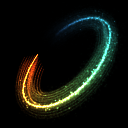
Ky_Trail Pro
The plug-in is designed for rendering images of traces behind a moving objects in 3D-space (e.g. jet exhaust, tracer shots, etc.).
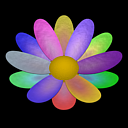
Ky_Color Variator
The plug-in is a texture map that allows you to vary the colors for different objects, particles, elements, etc., using for them one and the same material.
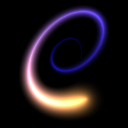
Ky_Trail
The plug-in is designed for rendering images of traces behind a moving objects in 3D-space (e.g. jet exhaust, tracer shots, etc.).
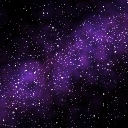
Ky_Milky Way
The plug-in allows creating space environment - stars and nebulae. The plug-in is highly customizable and supports a variety of additional effects, such as Motion Blur, Scintillation, Hyperspace Jump, etc.
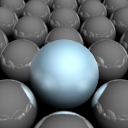
Ky_Surface Blur
The plug-in is intended to blur surfaces of individual objects and materials after rendering. Allows to quickly get the matt surface effect.
EffectsChannelEx
The plug-in adds two new MAXScript functions, which allow to set and get the values of Material ID Channel (for materials and texture maps) in the range from 0 to 255.
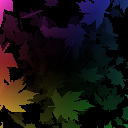
Ky_G-Corrector
The plug-in allows correcting the channels of G-Buffer for completely transparent surfaces of objects.
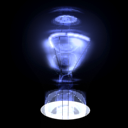
Ky_Throughout
The plug-in modifies the channels Object ID and Material Effect ID. Allows applying to the occluded objects of scene effects Glow, Highlight, etc.
Ky_Distance Fade
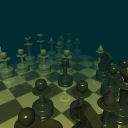
The plug-in allows changing the color and transparency of the image depending on the depth map (Z-buffer). Can be used to simulate a simple fog, as well as to create a specific color transition and composing.

Ky_Replace ID
The plug-in allows changing the value of Object ID and Material Effect ID of individual objects and materials in the G-Buffer after rendering.
Ky_Object ID
The plug-in allows animating the Object ID of any object.
Ky_Adjust Color
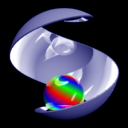
The plug-in allows independent editing the parameters of red, green and blue channels. The effect can be applied to the entire image or to the areas with specific ID.